Every enterprise running Kentico Xperience 13 is approaching an important milestone. As the platform reaches its End-of-Support (EOS), organizations need to move beyond simply acknowledging the deadline and begin preparing for a successful migration.
Waiting until the last minute often leads to rushed planning, unexpected costs, compatibility issues, security concerns, and unnecessary downtime. On the other hand, organizations that prepare well in advance experience smoother migrations, improved website performance, stronger security, and access to the latest digital experience capabilities.
Whether you're planning to migrate to Xperience by Kentico or evaluating your future digital experience strategy, preparation is everything.
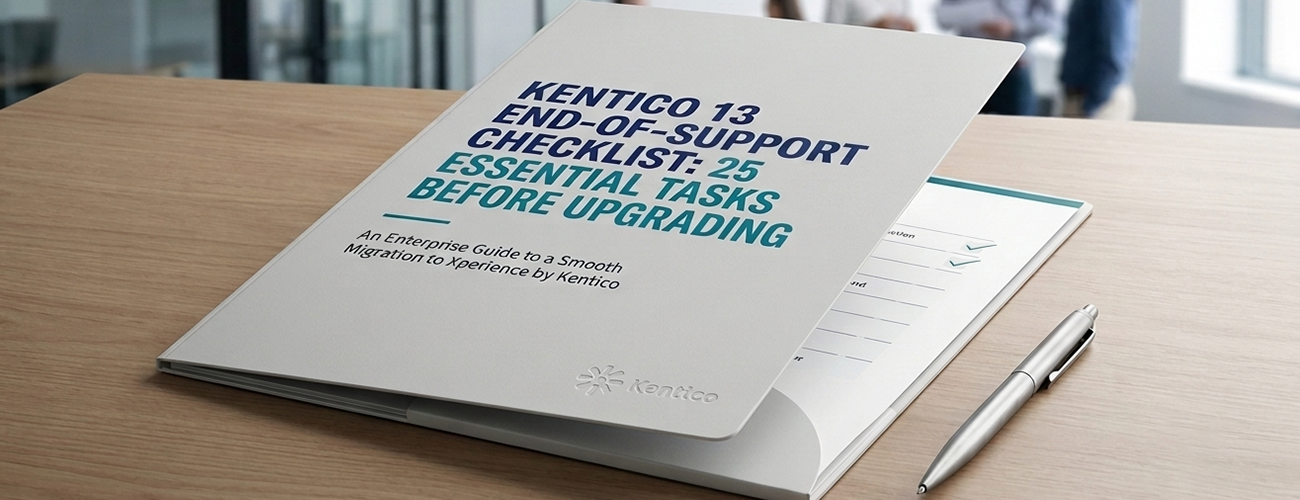
This comprehensive checklist covers 25 critical activities every enterprise should complete before upgrading.
Kentico Xperience 13 has served thousands of businesses with powerful content management, digital marketing, personalization, and eCommerce capabilities.
However, after the End-of-Support date:
For enterprise organizations, remaining on unsupported software introduces operational and cybersecurity risks that continue to grow over time.
Rather than viewing migration as a technical project, it should be treated as a strategic modernization initiative.
Enterprise websites are significantly more complex than standard CMS implementations.
They often include:
Without a structured checklist, important dependencies can easily be overlooked.
Before planning anything else, verify:
Many organizations assume they are on the latest Kentico 13 version when they are actually several hotfixes behind.
Review your:
Ensure every dependency is compatible with your future platform.
Document every digital property including:
Many forgotten websites become migration blockers later.
List every customization including:
Document every scheduled automation.
Review integrations such as:
Determine whether each integration requires redevelopment.
Review:
This is the perfect opportunity to eliminate years of accumulated content clutter.
Archive or delete:
Migrating unnecessary content increases project complexity.
Review:
Remove inactive accounts before migration.
Perform a complete security assessment including:
Measure:
Migration is an ideal opportunity to improve performance.
Protect your SEO investment by documenting:
SEO should never be an afterthought.
Create a complete inventory of:
Changing URLs without planning can significantly impact search rankings.
Review:
Ensure all submissions continue functioning after migration.
Document:
Marketing processes often require redesign when upgrading.
List:
Not every personalization feature migrates identically.
Document:
Ensure search remains fast and accurate after migration.
Review integrations including:
Migration often changes tracking implementations.
Analyze:
Optimize file sizes before migration.
Before any upgrade:
Test restoration procedures.
Testing should include:
Allow business users to validate the new platform.
Some legacy features may:
Avoid rebuilding outdated functionality unnecessarily.
Evaluate:
Migration provides an excellent opportunity to modernize infrastructure.
Every migration should include:
Hope for success but prepare for contingencies.
Introduce teams to:
Training accelerates adoption and reduces post-launch support requests.
Perhaps the most important checklist item is selecting the right migration partner.
A specialized Kentico partner can help with:
An experienced team reduces risk while accelerating project delivery.
Many organizations underestimate the complexity of enterprise CMS migrations. Some of the most common mistakes include:
Moving from Kentico 13 to Xperience by Kentico is not a routine patch. It often requires architectural changes, redevelopment of custom functionality, and rethinking content models.
Years of accumulated custom code, outdated integrations, and unused modules can significantly slow migration efforts if not addressed beforehand.
Successful migrations require collaboration between IT, marketing, content editors, security teams, and executive stakeholders. Keeping migration as an IT-only initiative often leads to missed business requirements.
Migrating every piece of historical content increases project timelines and costs. Cleaning up content before migration reduces complexity and improves long-term governance.
Insufficient testing can result in broken forms, SEO issues, accessibility problems, and performance degradation after launch.
Organizations that complete this preparation typically experience:
Well-documented environments reduce unexpected development work.
Identifying unnecessary features and content early helps control budgets.
Proper planning minimizes downtime and avoids disruptions to customer experiences.
Security reviews ensure your new environment follows modern best practices.
Migration is an ideal opportunity to optimize code, infrastructure, and content delivery.
Careful URL mapping and metadata preservation help maintain search engine visibility during the transition.
Modern page-building capabilities, streamlined workflows, and enhanced personalization create a better experience for both visitors and content teams.
Although every enterprise has different requirements, the following timeline provides a practical framework:
Yes. Organizations should begin planning their migration well in advance to avoid the risks associated with unsupported software, including security vulnerabilities and compatibility challenges.
The duration depends on the size and complexity of the implementation. Small websites may take a few months, while enterprise environments with multiple sites, custom modules, and integrations often require six months or longer.
Not always. Many custom components require redevelopment or modernization to align with the architecture of Xperience by Kentico. A technical assessment is recommended before starting the project.
A well-planned migration should preserve SEO performance. Maintaining URL structures, implementing proper redirects, retaining metadata, and validating technical SEO before launch are essential best practices.
Delaying increases exposure to security vulnerabilities, unsupported software, rising maintenance costs, compliance issues, and reduced compatibility with modern technologies. Planning early gives organizations greater control over timelines, budgets, and business continuity.
If your organization is preparing for the Kentico 13 End-of-Support, now is the ideal time to assess your environment, identify migration challenges, and build a roadmap tailored to your business goals. A structured approach backed by Kentico experts can help ensure a secure, efficient, and future-ready migration with minimal disruption.
The approaching Kentico 13 End-of-Support represents more than a deadline—it is an opportunity to modernize your digital experience platform, improve operational efficiency, and future-proof your organization.
By following this 25-point Kentico 13 End-of-Support Checklist, enterprises can significantly reduce migration risks, preserve valuable digital assets, maintain SEO performance, and ensure a smooth transition to the next generation of digital experiences.
A successful migration is built on preparation, collaboration, and a clear understanding of your existing environment. The earlier you begin planning, the greater your flexibility to optimize architecture, streamline content, modernize integrations, and deliver a better experience for both your business users and customers.
Rather than viewing the upgrade as a technical necessity, consider it an investment in your organization's long-term digital strategy. With the right planning and an experienced migration partner, your transition to Xperience by Kentico can become a catalyst for innovation, improved performance, stronger security, and scalable growth.

With over 15 years of experience in software development and technology leadership, Pawan Sharma specializes in designing and delivering scalable, high-performance digital solutions. With expertise in modern web technologies, cloud platforms, AI-driven applications, and enterprise software development, Pawan has successfully led cross-functional teams through the complete software development lifecycle. Passionate about innovation, clean architecture, and emerging technologies, Pawan is dedicated to building robust solutions that enhance user experiences and help businesses achieve their digital transformation goals.
Follow on LinkedIn